|
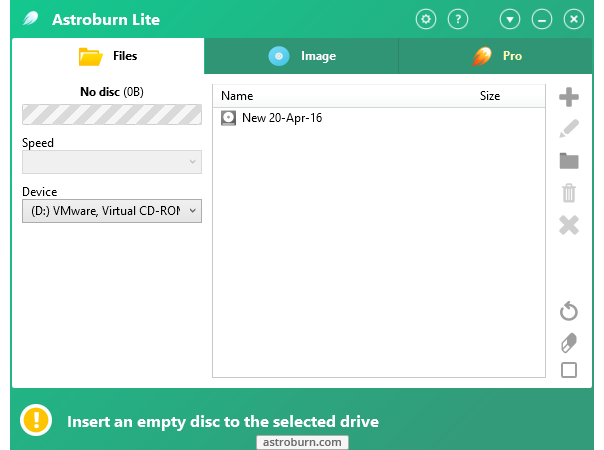
The best choice for those who want to have quick and easy-to-use home program with essential features to perform disc burning.
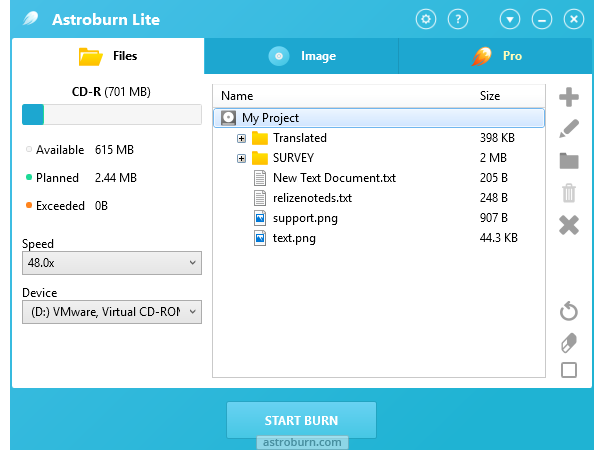
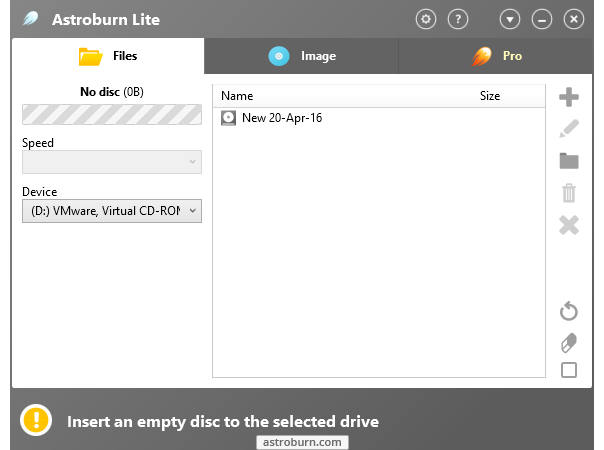
A. Insert a disc into your drive;
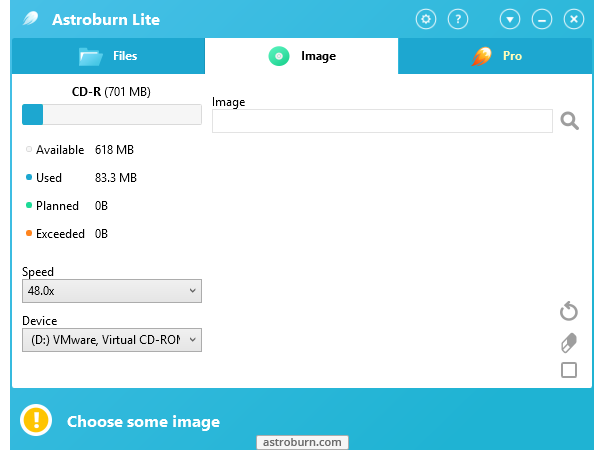
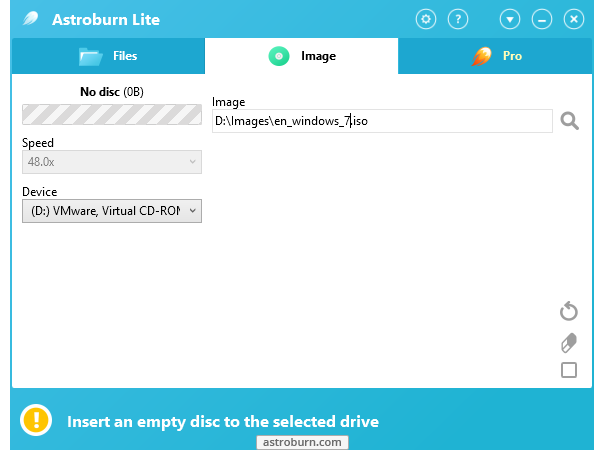
B. Select data or an image file;
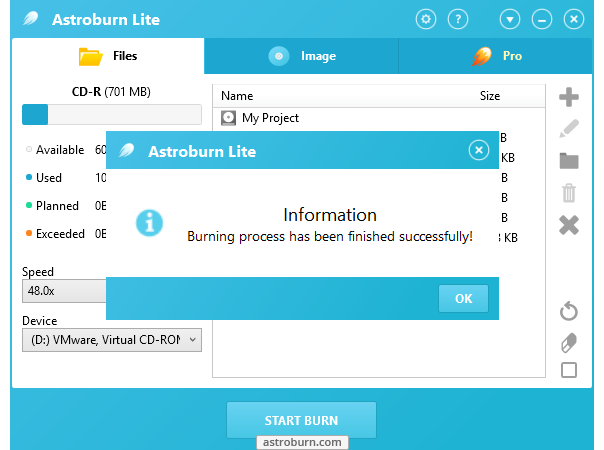
C. Start burn.
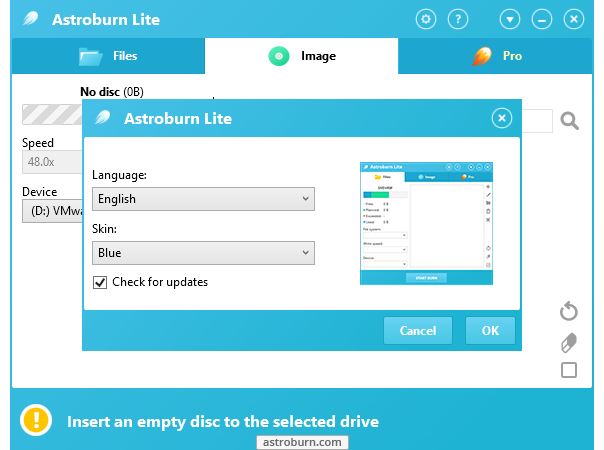
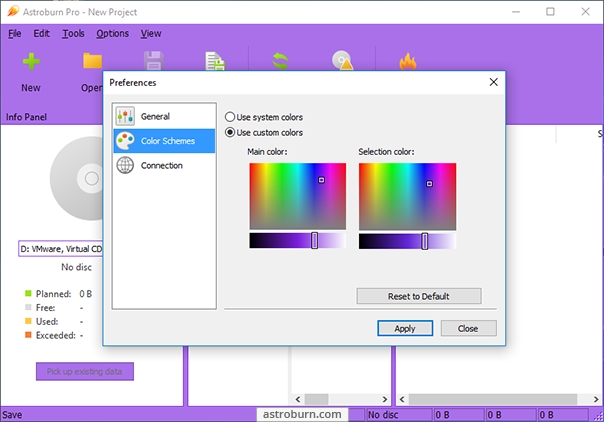
You can also personalize your Astroburn Lite just select a skin for program interface you like the most.
Burning CDs, DVDs and Blu-rays was never that simple!
- Drag & Drop on Image tab;
- See elapsed and estimation time in main window and tray tooltip;
- Eject a disc by yourself now it doesn't auto eject after burning;
- Try Windows 7 taskbar features for burning progress;
- Take advantage of some minor GUI improvements;
- Use languages' updates.
- Issue with 16 bit display color mode;
- Incorrect write speed detection for some devices;
- Burning engine minor fixes;
- Minor GUI bugs.
|
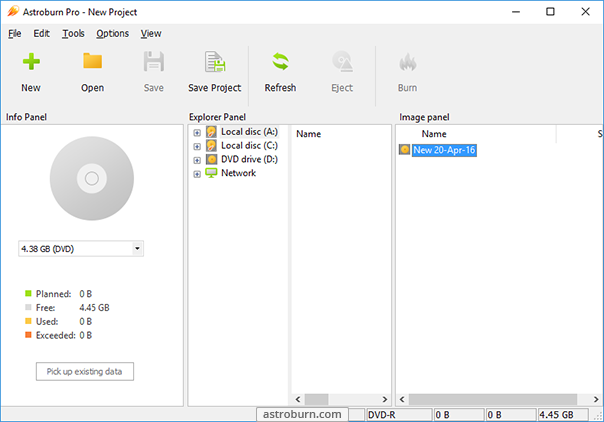
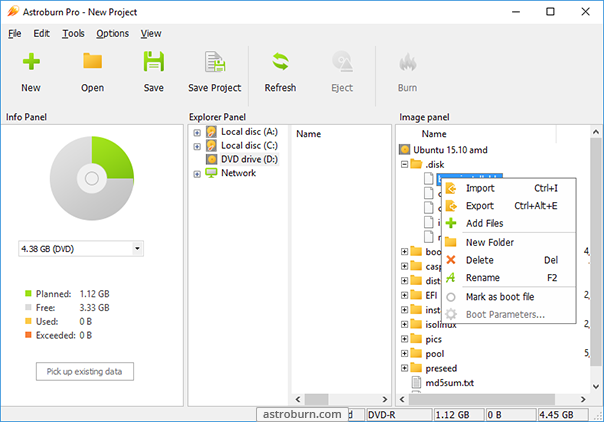
Handy tool for burning and mastering CD, DVD, Blu-ray and HD DVD media.
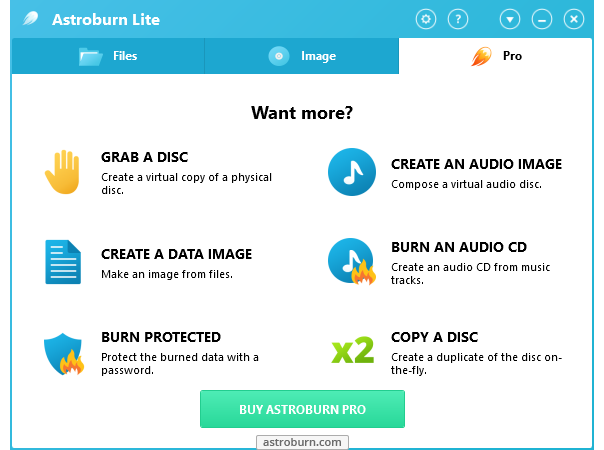
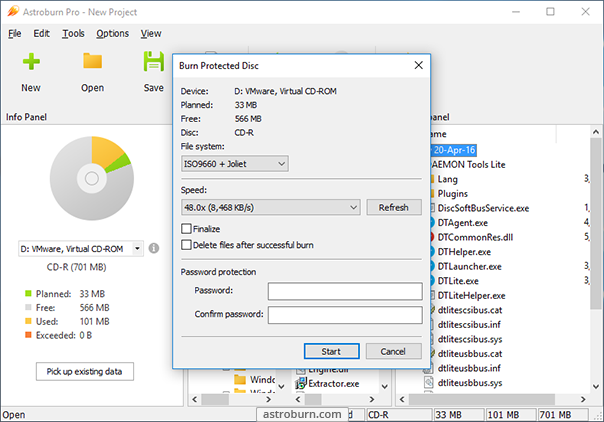
Astroburn Pro allows you to perform burning, copying, erasing operations with all types of optical storage media: CD-R/RW, DVD-R/RW, DVD+R/RW, BD-R/RE, HD-DVD-R/RW and DVD-RAM. The program also works with a wide variety of burning hardware.
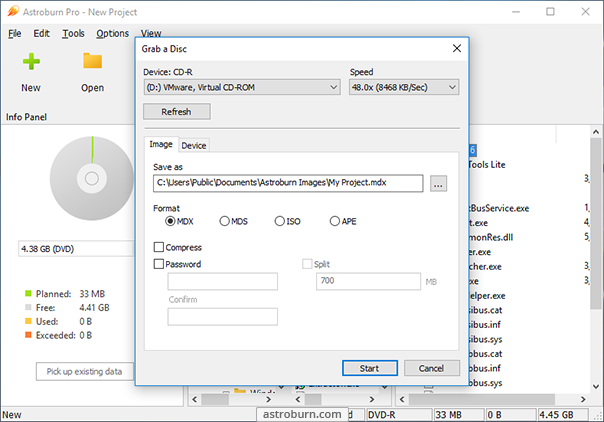
With Astroburn Pro you can easily grab original discs to create image files and save them on your hard drive or compile disc images with the data or audio projects.
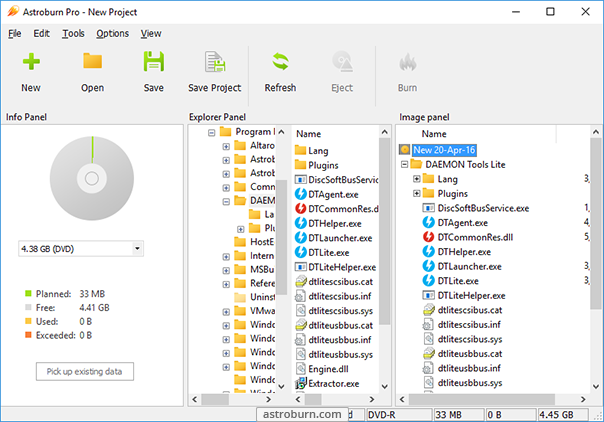
Create CDs and DVDs with just a few mouse clicks. Its easy to learn and to use.
- Full Windows 7 support;
- New powerful burning engine;
- New MDX (Media Descriptor eXtended) format support;
- APE and FLAC formats support;
- Console burning application (AstroburnCmd.exe) added;
- Data import from image file;
- GUI redesign and improvement;
- Audio discs with CD text support;
- New feature - disc copy "on the fly";
- Boot images functionality improvement;
- Audio discs burning in DAO mode;
- Windows 7 taskbar GUI features for burning progress;
- License model: Trial mode added;
- Setup Wizard and activation process improvements;
- Languages updates.
- Some fixes for program performance and stability;
- Some GUI bugs.
|
 |
 |
Key features:
|
Burn CD/DVD/Blu-ray media. |
|
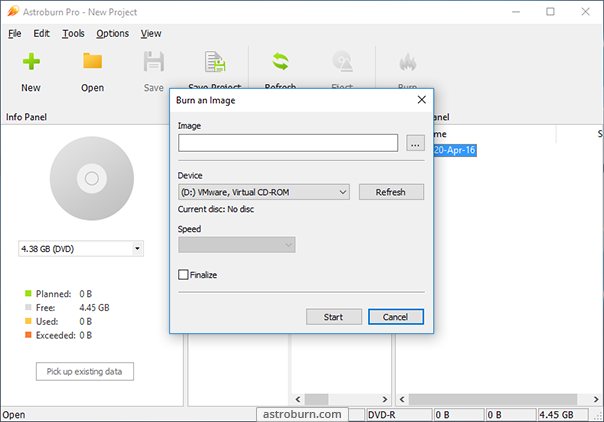
Burn image files. |
|
Burn custom files. |
|
Select burning speed. |
|
Verify burning process. |
|
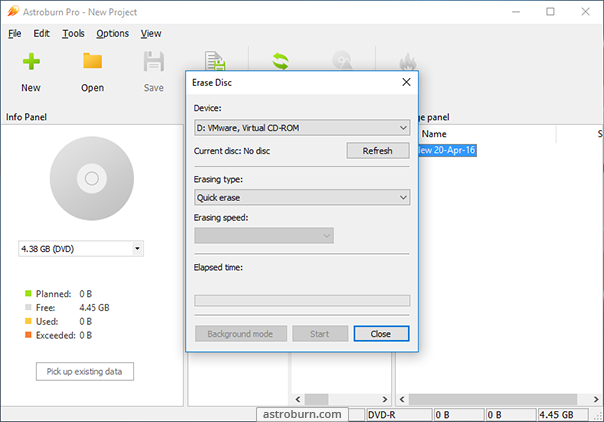
Erase discs quickly. |
|
Select language for program interface. |
|
Key features:
|
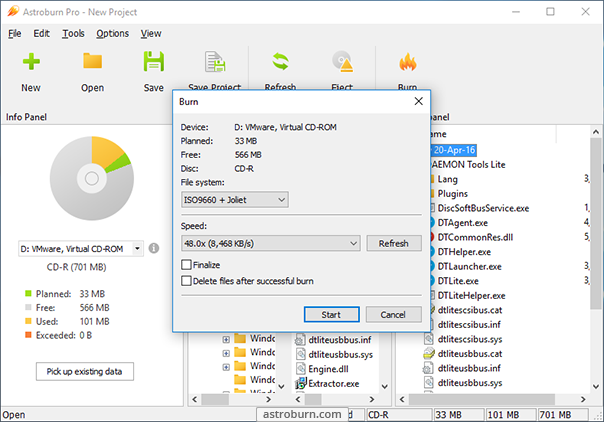
Burn CD/DVD/HD DVD/Blu-ray media. |
|
Burn image files. |
|
Burn custom files. |
|
Grab discs to *.mdx, *.mds, *.iso image files. Create *.ape audio images. |
|
Select burning speed. |
|
Verify burning process. |
|
Erase discs quickly. |
|
Erase discs in full. |
|
Select a needed file system for new discs. |
|
Compose audio projects using an additional feature: listen before start burning. |
|
Master your own data projects. |
|
Try console burning application: AstroburnCmd.exe. |
|
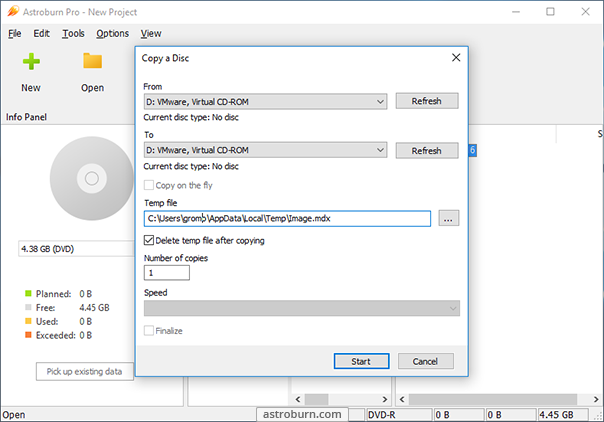
Make disc copies with "on the fly" option. |
|
Build and save *.iso images. |
|
Import data from image files. |
|
View device and media information. |
|
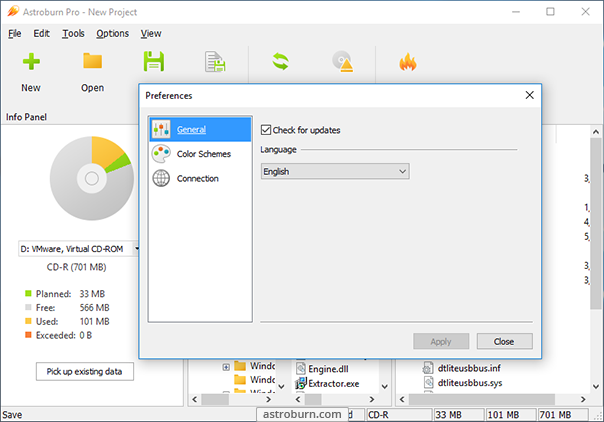
Select language for program interface. |
|
 |